Mike’s 3 steps
That’s all it takes. The orange boxes show exactly where to tap.
-
Open captainly.app and sign in.
On your phone or computer, go to captainly.app and tap Continue with Google. Use your Gmail account.
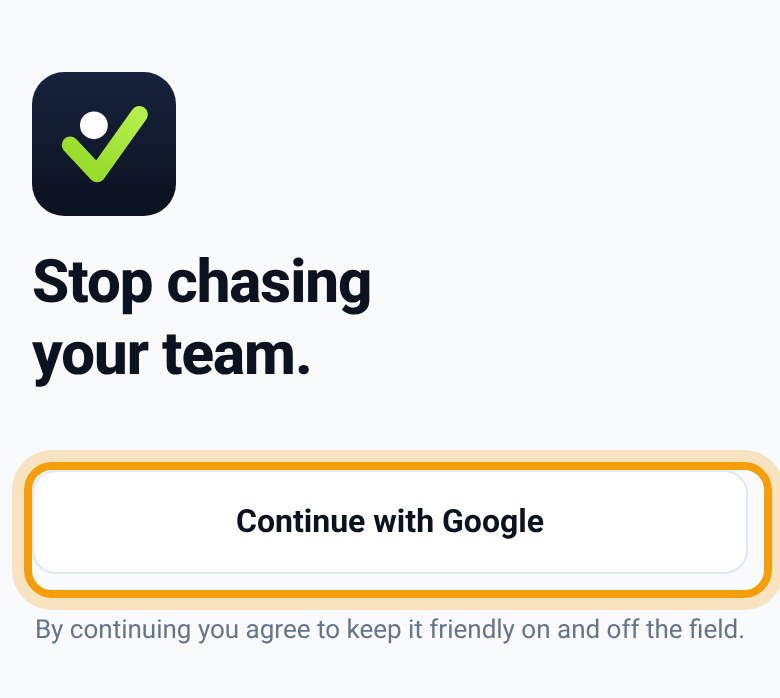
The sign-in screen -
Tap Elite Eight.
On your Home screen, scroll down to Your leagues and tap Elite Eight. That’s your league’s home base. Don’t see it yet? Text Nico.
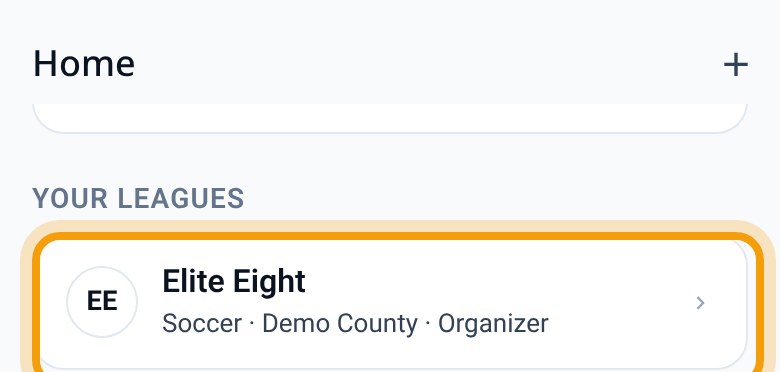
Home → Your leagues → Elite Eight -
Every week: schedule, scores, messages.
Open Elite Eight and do these three things:
- Check the scheduleTap your season (like Fall 2026), then Schedule.
- Post the scoresTap results to enter, pick a game, type the score, then tap Enter official result.
- Message every teamTap Post to every team’s chat, type your note, then tap Send to every team.
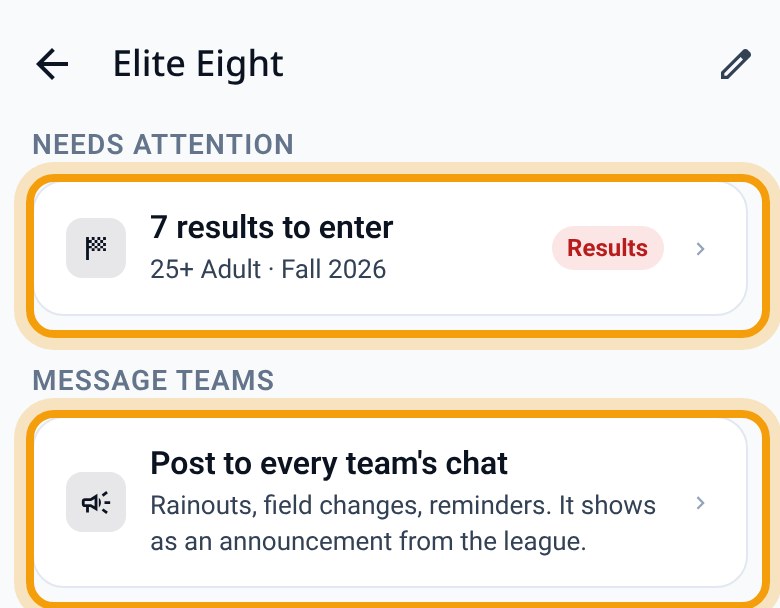
Your Elite Eight page
Stuck? Text Nico.
Anything at all, big or small. Just text Nico and he’ll walk you through it.
Your other leagues? Just as easy.
Once Elite Eight is up and running, every other league you run can join it in Captainly. Same idea, same screens:
- On Home, tap +, then League, and give it a name.
- Add a season. Reuse Elite Eight’s rules with Templates, so you never set them up twice.
- Type in the team names, then tap Draw the schedule. The whole season is laid out in one go.
- Tap Send every manager their link. Each manager brings in their own players.
About 20 minutes a league. Most of that is typing team names.
Nico will help set them up. He can even build a league for you and send you an invite. You just tap Join, and everything’s waiting.